
 Čeština
 Slovenčina
 Hrvatski
 Română
 Magyar
 български език
 Deutsch
 Français
 Українська
 Nederlands
 Polski
How to connect a phone to an electronic drum kit and play along?
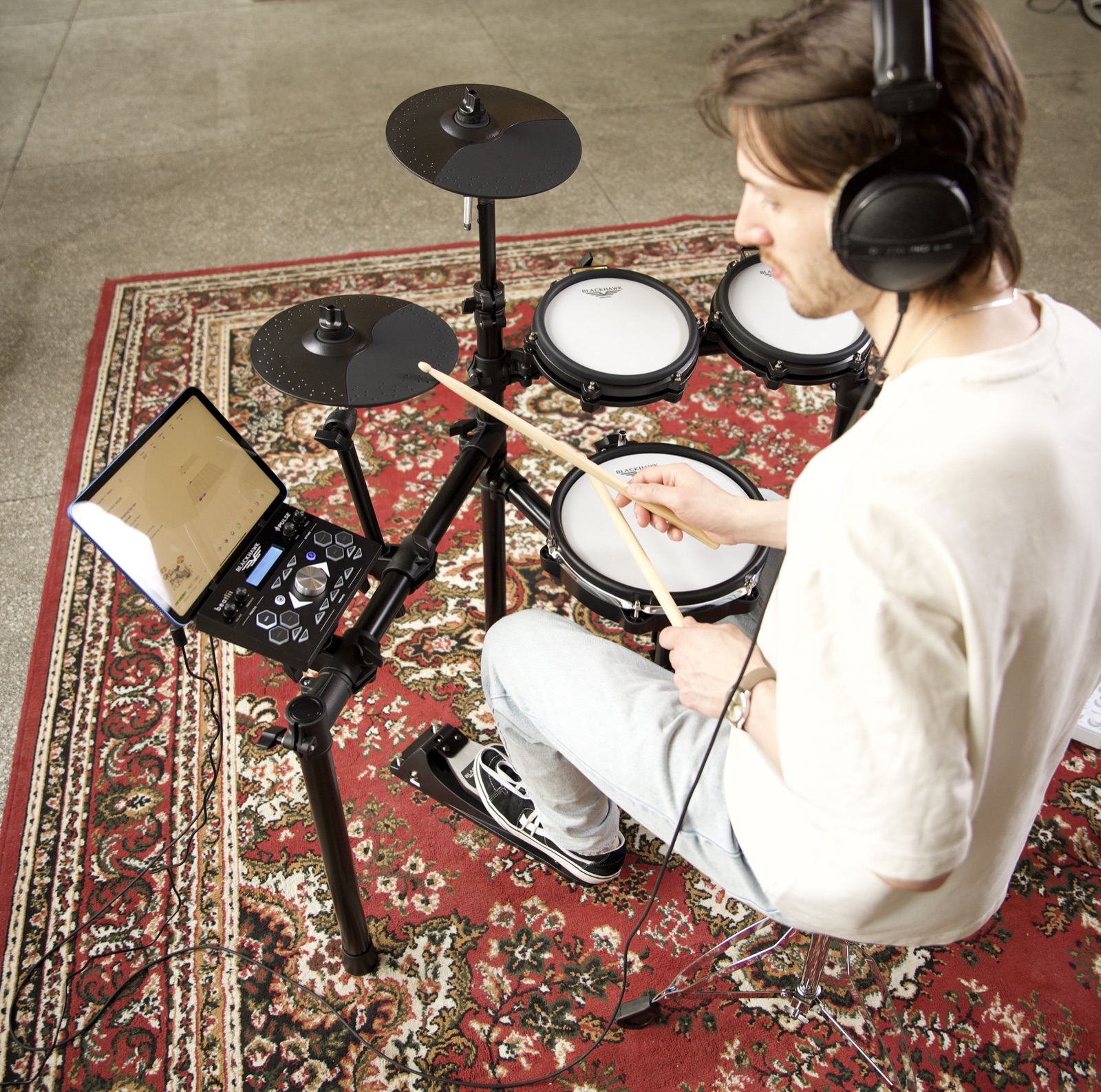
Bluetooth or cable — how to hook your phone up to the module for practising along to music, and what to steer well clear of.
Playing along to your favourite tracks is one of those exercises that doesn't look like practice yet gives you the most. Connecting a phone to your kit takes a moment and can be done in two ways.
Method one: Bluetooth
Newer Black Hawk modules — including those in the Pulse kits — have Bluetooth built in. Pairing works exactly as with a speaker: switch on the module, open Bluetooth settings on your phone and pick it from the device list.
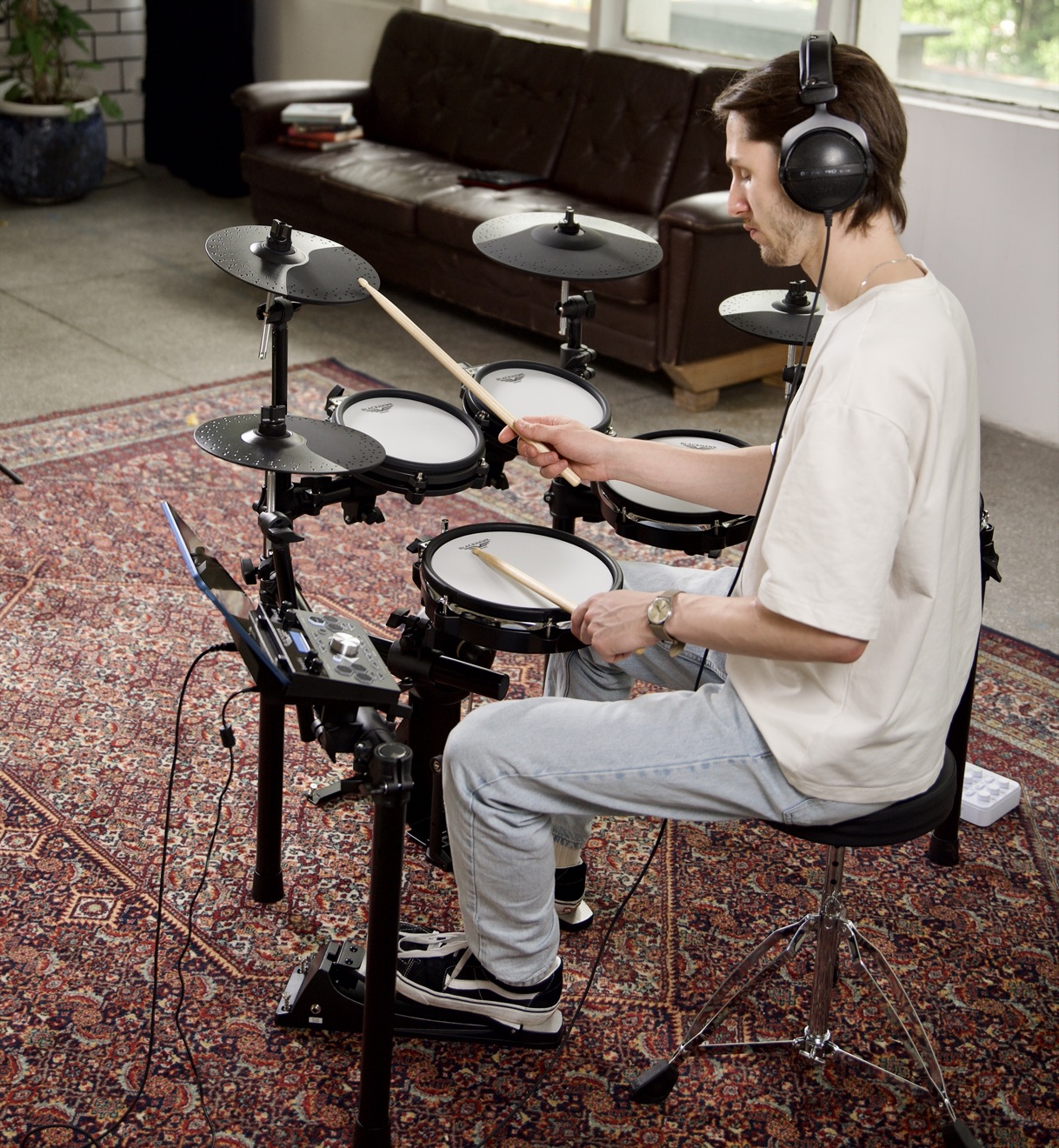
From that moment the music from your phone goes straight to the headphones plugged into the module, mixed with the sound of the instrument. No cables tangling under the stool.
Method two: cable
If your module has no Bluetooth, use a 3.5 mm mini jack cable — from the phone's headphone output to the module's line input, usually labelled AUX IN or MIX IN. Phones without a headphone socket will need a USB-C adapter.
The cable has one real advantage over Bluetooth: zero latency. When playing along to a backing track this hardly matters, since the whole piece of music is delayed evenly, but when recording it can be important.
What not to do
Don't connect wireless headphones to the module itself for monitoring. Wireless transmission introduces a delay of up to several hundred milliseconds — you hit the snare and hear it noticeably later. Bluetooth is fine for listening to a backing track, but completely unsuitable for listening to your own playing.
What you can do with it
Playing along to a recording — the simplest and most effective option. Pick a track with a clear beat and lock in with the drummer on the recording.
Metronome and practice apps — they offer more than the module's own metronome, for instance gradually increasing the tempo.
Song-slowdown apps — they let you slow a difficult passage without changing the pitch and work through it slowly.
Recording your practice — a phone propped against a shelf is enough to hear from the outside the things you can't hear while playing.
Frequently asked questions
I can't hear the backing track even though the phone is paired.
Check that the sound on your phone really is going out to the module rather than the built-in speaker, and that the line input isn't muted on the module. Many modules have a separate backing-track volume knob, independent of the instrument volume.
The backing track is too quiet against the drums.
Turn the phone up to roughly three quarters first, and only then adjust the level on the module. Doing it the other way round usually ends in hiss.
Can I connect a phone and a computer at the same time?
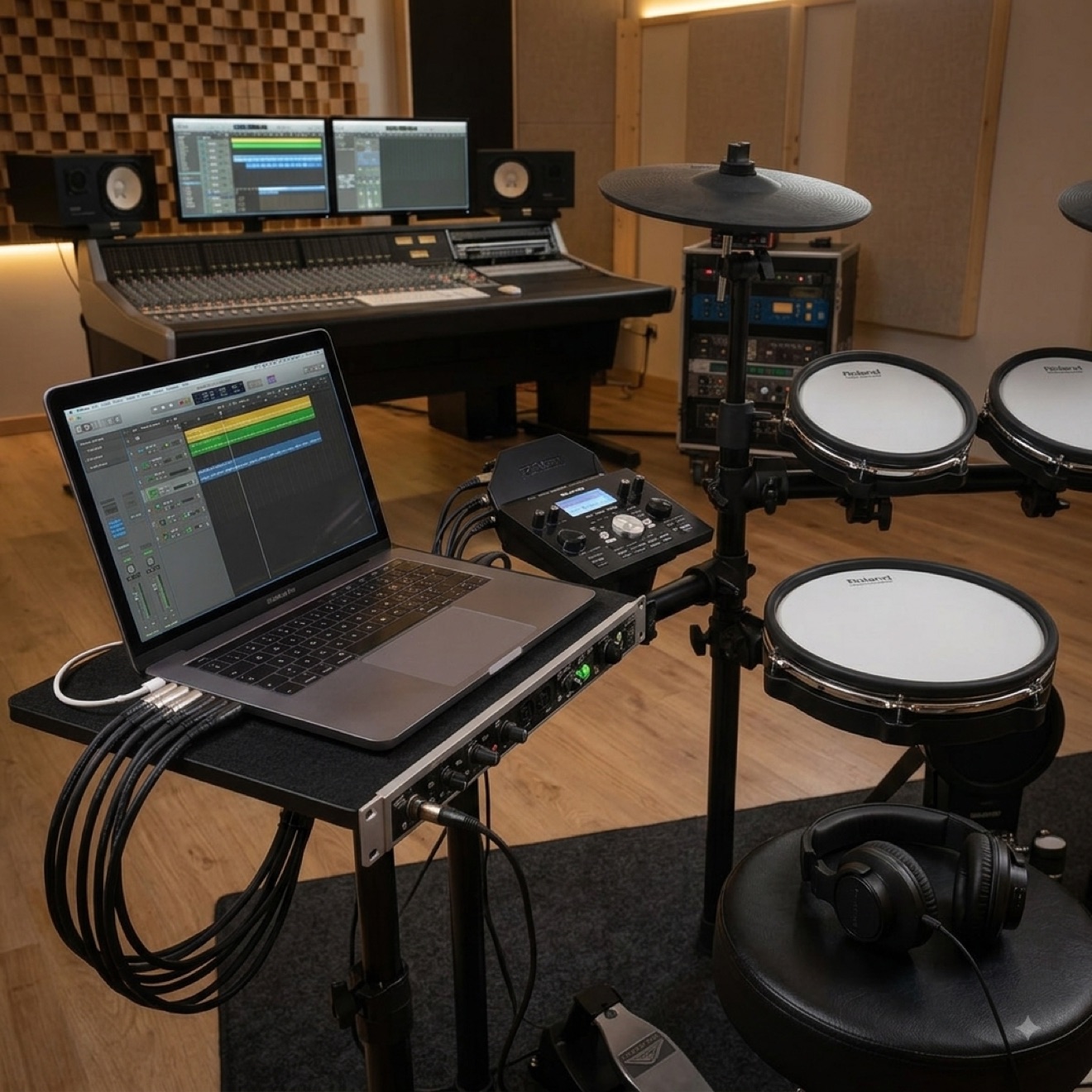
Yes, if the module has a separate line input and a USB port. The phone then takes the audio input while the computer receives the MIDI signal.
Does Bluetooth get in the way when recording?
It can. The backing track arrives with a delay, so if you record yourself together with the music the tracks may drift apart. A cable is better for recording.
Will the kit work as a speaker for my phone?
It will, but only through headphones or a connected monitor. The module itself has no built-in speakers.
What you can connect a phone to depends on the module. For each of our electronic drum kits we list the available inputs and Bluetooth support.
This article was originally written in Polish and translated with the help of automated tools. If anything is unclear, please contact us.