
 Čeština
 Slovenčina
 Hrvatski
 Română
 Magyar
 български език
 Deutsch
 Français
 Українська
 Nederlands
 Polski
How to record electronic drums at home?

Audio or MIDI recording, what you need for it and how to avoid ending up with drums that sound like a machine.
Recording acoustic drums at home is an undertaking: several microphones, an interface, a treated room and a good deal of knowledge about microphone placement. With an electronic kit it comes down to plugging in a single cable — and that is its greatest, usually underrated advantage.
Two routes, two different results
Audio recording captures the sound exactly as it leaves the module. You run a cable from the line output to an audio interface or recorder and record the finished material. Simple and quick, but afterwards you can change neither the sound nor a badly played hit.
MIDI recording captures information: what was hit, how hard and at which moment. The sound is only created on playback, in software on your computer. That means you can swap the entire drum kit after recording, fix a single hit or tighten the timing. For most home recordings this is by far the better route.
What you need
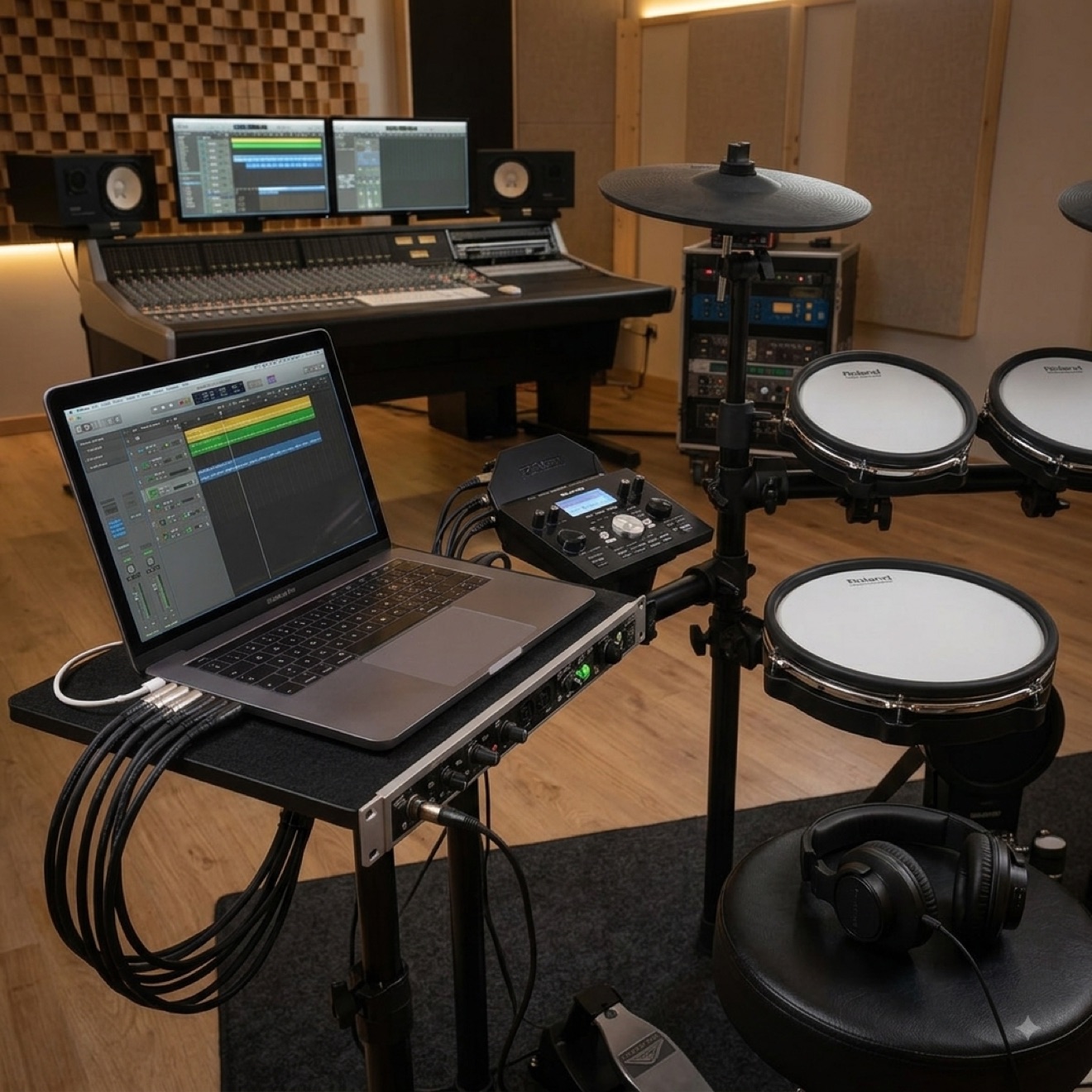
For MIDI recording a computer, a USB cable and software with drum sounds are enough. We covered this in detail in the post about connecting the kit to a computer — you'll also find the audio driver settings there, without which latency appears.
For audio recording you need an audio interface with line inputs. Run the cable from the module's OUT socket; if the module has separate outputs for individual elements, you can record the kick and snare on separate tracks and mix them later.
How to do it well
Record to a metronome. Without a shared pulse you won't be able to add bass or guitar later, and fixing the timing stops making sense.
Play several takes instead of fixing one. Three complete run-throughs usually give better material than an hour of patching a single passage.
Don't quantise everything. Quantisation aligns hits to the rhythmic grid and it is tempting, but set to a hundred per cent the drums stop sounding like they were played by a human. Straighten what clearly sticks out and leave the rest.
Check the dynamics. A common mistake in home recordings: every hit has identical force because the pad has run past its sensitivity range. Set the sensitivity on the module so that a gentle hit is clearly quieter than a hard one.
Mixing in a few sentences
Start by setting the balance between kick and snare, because they carry the track. Cymbals usually need turning down relative to what you hear while playing. Leave compression and reverb until the end, and only as much as needed — modern sound libraries are already pre-mixed and easy to overdo.
Recording practice sessions and lessons
Not every recording has to be a music production. Simply recording your own playing on a phone, once a week, is one of the most effective learning tools there is — from the outside you hear things you don't notice while playing: rushing in fills, a left hand that is too loud, uneven sixteenths. A phone propped against a shelf is enough for that.
If you want a clean instrument sound while you're at it, run a cable from the module's headphone output to the phone's microphone input — the quality is more than enough for following your own progress.
Frequently asked questions
Do I need an expensive audio interface?
For MIDI recording you don't need one at all. For audio recording the simplest model with two line inputs will do — the differences between equipment classes are far smaller here than with microphones.
Which sounds are better: from the module or from software?
For everyday listening the module is perfectly sufficient. For a recording somebody is going to listen to, computer libraries win clearly — they have more dynamic layers and were recorded in professional studios.
The recording sounds "mechanical". What should I fix?
Usually the culprit is overly aggressive quantisation or a lack of variation in hit strength. Reduce the amount of timing correction and check in the editor whether all the hits have the same velocity value.
Can I record without a computer?
Yes — some modules have a built-in recording function, and the material is saved in memory or to a USB drive. That is handy for capturing an idea, but without any option to edit it afterwards.
How do I record drums together with a guitar?
The simplest way is track by track: drums to a metronome first, then the remaining instruments to the recorded drums. Recording everything at once requires many interface inputs and considerably more work at the mixing stage.
For recording at home, the module and its outputs matter most. Check what each of our electronic drum kits offers in this respect.
This article was originally written in Polish and translated with the help of automated tools. If anything is unclear, please contact us.