
 Čeština
 Slovenčina
 Hrvatski
 Română
 Magyar
 български език
 Deutsch
 Français
 Українська
 Nederlands
 Polski
What can you connect an electronic drum kit to?

Headphones, monitor, phone, computer, mixing desk — a walk through everything the module accepts, with a note on what makes sense at which stage.
An electronic drum module is in practice a small sound hub. Below we go through everything you can plug into it in turn — from headphones to a mixing desk on stage — and say what makes sense at which stage.
Headphones
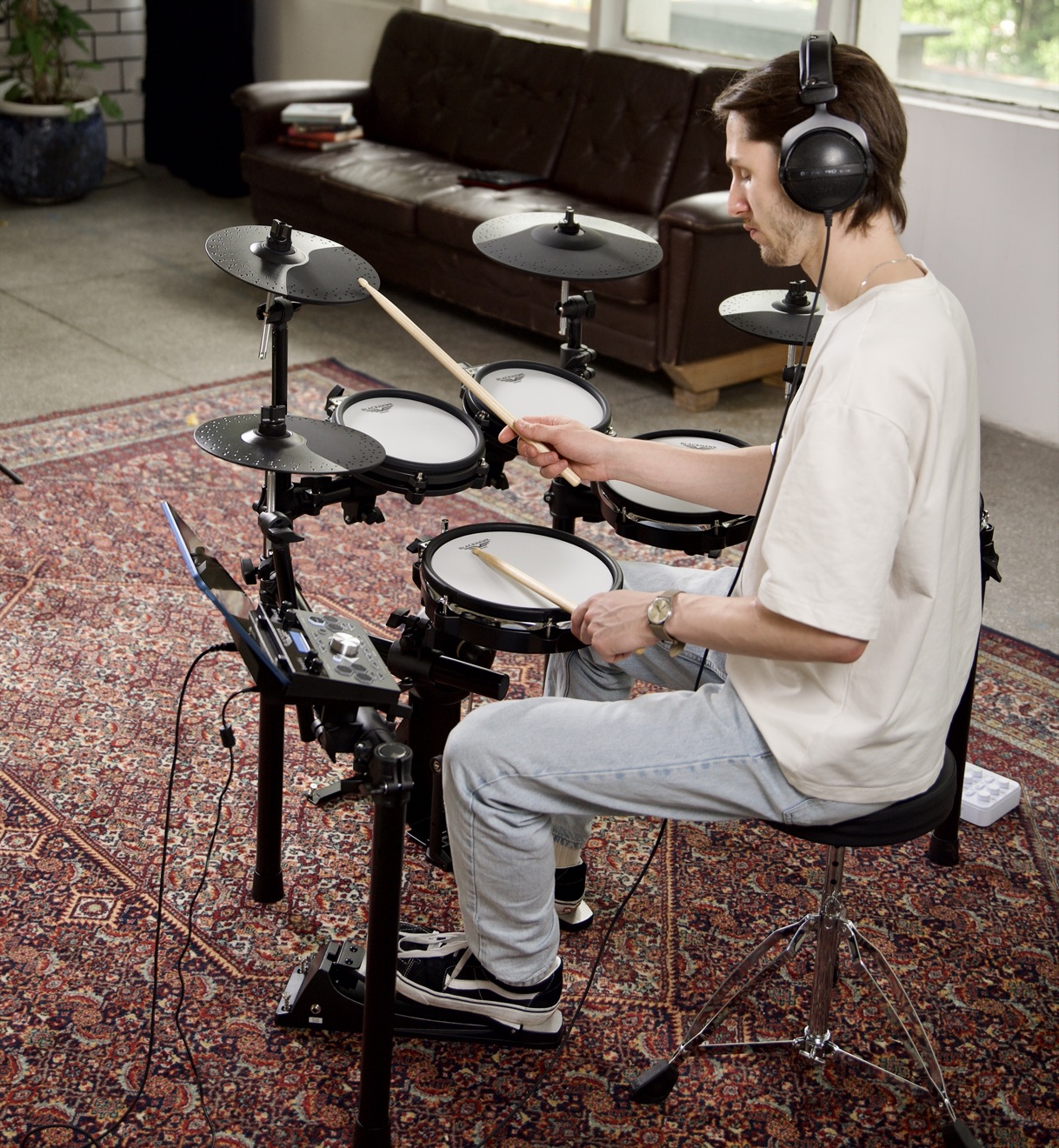
The basic way of playing at home and the only one that gives you full control over what you hear. Choose closed-back, over-ear designs — they isolate better, so you don't have to turn the volume up to drown out the clatter of the sticks.
In-ear headphones work less well: they become tiring over a longer session, and at higher volumes hearing damage is easier. The Black Hawk Pulse kits come with suitable headphones included, so you don't have to think about it at the start.
A phone or tablet with a backing track
Playing along to a track is the most effective way of practising your sense of time. There are two routes: a cable from the phone's headphone output to the module's line input, or a wireless connection if the module has Bluetooth. The second is more convenient and increasingly common in newer designs.
Important: you connect the backing track to the module, not the other way round — that way your headphones carry both the music and your own playing, with independent control over each.
A monitor or amplifier
When you want to play without headphones — at a rehearsal, for someone else in the room or simply loud — you need an active monitor. An ordinary computer speaker won't cope, because the kick drum needs low frequencies to be reproduced.
At home a monitor of a few dozen watts is enough. For a rehearsal with a band you already need a design intended for electronic drums, or to plug into the PA.
A computer
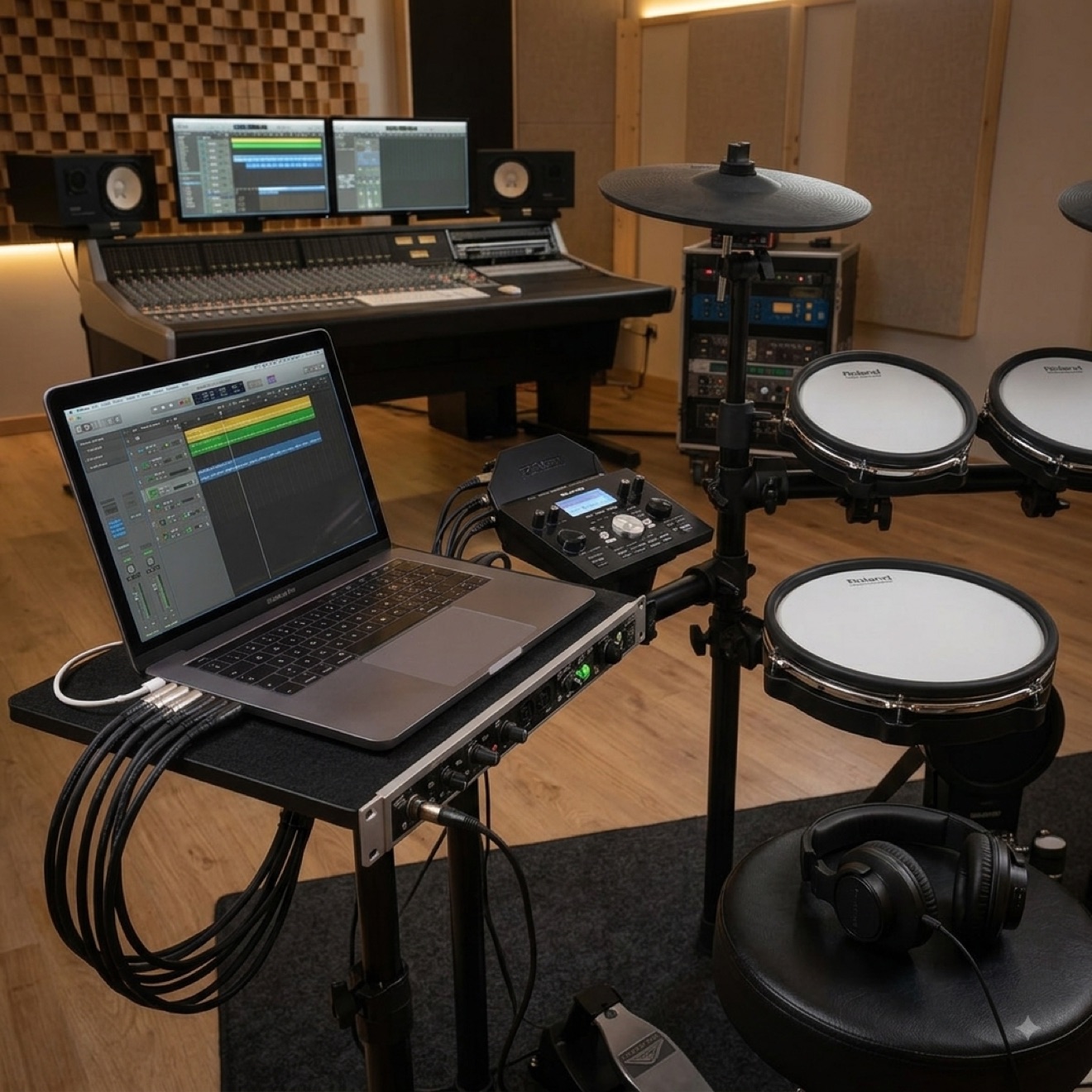
A USB cable turns the kit into a MIDI controller. The module then sends no sound, only the information "the snare was hit with this force", and the sounds come from software. That opens up access to libraries recorded in professional studios and lets you record drum parts you can correct afterwards note by note.
We devoted a separate post to this subject, because it requires a few settings on the computer side.
Recorder, interface, mixing desk
If you want to record the module's own sound without a computer, it is enough to run a cable from the line output to a recorder or audio interface. On stage the same route leads to the mixing desk — the engineer gets a clean signal with no bleed from other instruments, which can be an argument for an electronic kit even where an acoustic one would fit.
More elaborate modules have additional, separate outputs for individual parts of the kit, so the engineer can mix each drum independently.
Extra pads and cymbals
Free inputs on the module let you expand the kit — add a second crash, a fourth tom or a percussion pad. That is usually cheaper than replacing the instrument, although if you know in advance that you'll want more, it makes more sense to start with the Pulse Pro, which has those elements from the factory.
Frequently asked questions
Can I connect the kit to a TV or a hi-fi system?
Technically yes, through the line input. In practice it sounds bad — home equipment isn't designed to handle the dynamics of drums and starts distorting once you play harder. It is also easy to damage the woofers.
Do I need an amplifier if I have headphones?
Not at the start. A monitor only becomes useful once you start playing with others or want to hear the instrument in the room. Many home players never buy one.
How do I connect two pairs of headphones at once?
Through a splitter with volume control or a simple headphone amplifier. A plain adapter will work too, but the volume will drop in both pairs — with a teacher and a pupil, a solution with separate control works better.
Can I play through a Bluetooth speaker?
We advise against it. Wireless transmission introduces a delay of several dozen to several hundred milliseconds, which is unacceptable while playing — you'll hear the hit noticeably after you make it. Bluetooth is fine for playing a backing track, not for monitoring the instrument.
Which cable for a backing track from a phone?
Usually a 3.5 mm mini jack at both ends, and on newer phones a USB-C adapter. Check in the module's manual whether the line input is labelled AUX IN or MIX IN.
You'll find the full list of inputs and outputs in the description of every model — take a look at the electronic drum kitsto compare them with one another.
This article was originally written in Polish and translated with the help of automated tools. If anything is unclear, please contact us.