
 Čeština
 Slovenčina
 Hrvatski
 Română
 Magyar
 български език
 Deutsch
 Français
 Українська
 Nederlands
 Polski
Connecting electronic drums to a computer: EZdrummer and Addictive Drums
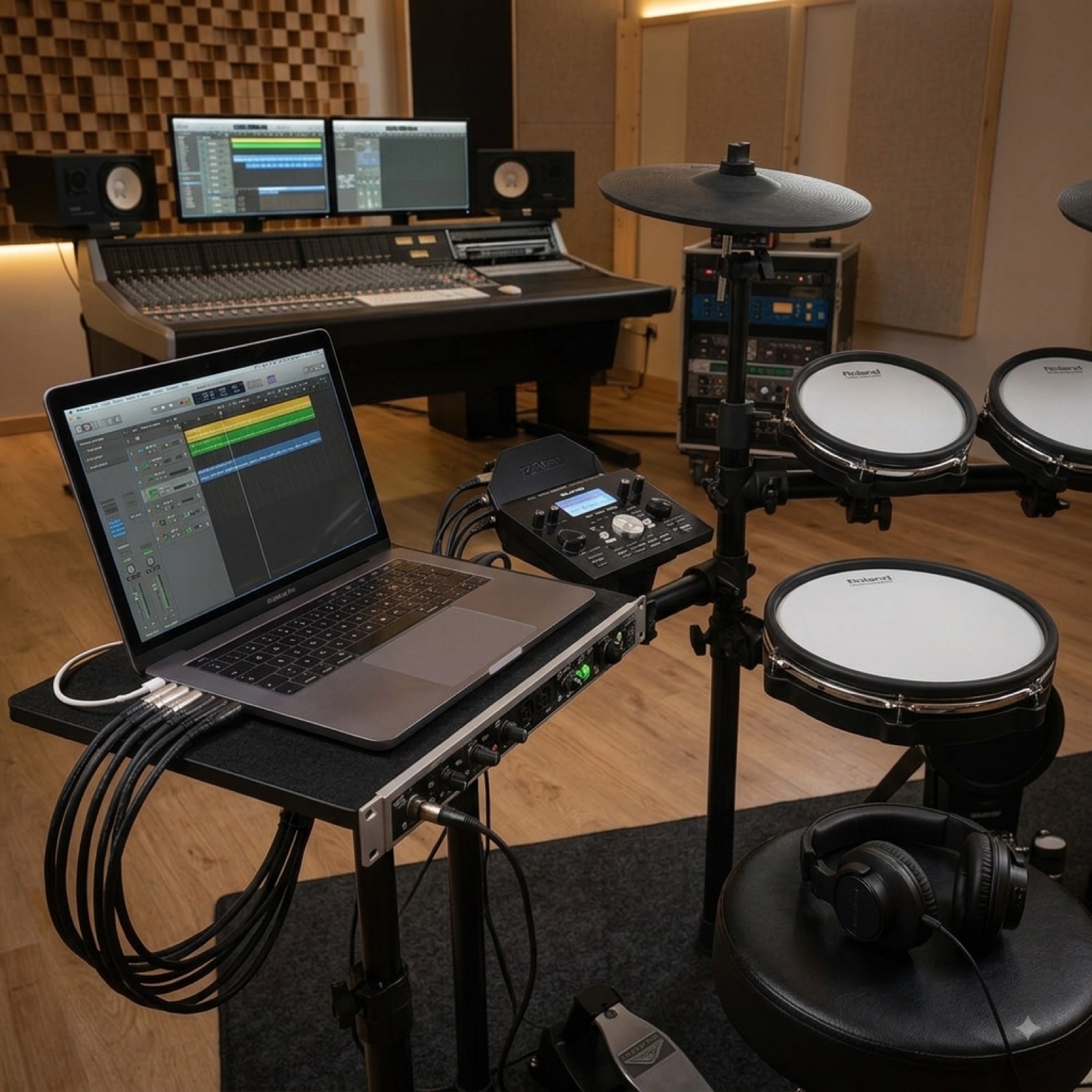
Four steps to connecting the kit to a computer, together with a fix for the most common problem — audio latency.
Connecting the drums to a computer is the cheapest way of squeezing a sound worth far more out of a kit costing a few thousand. Instead of the module's samples you then play libraries recorded in studios, and every part you play can be corrected afterwards.
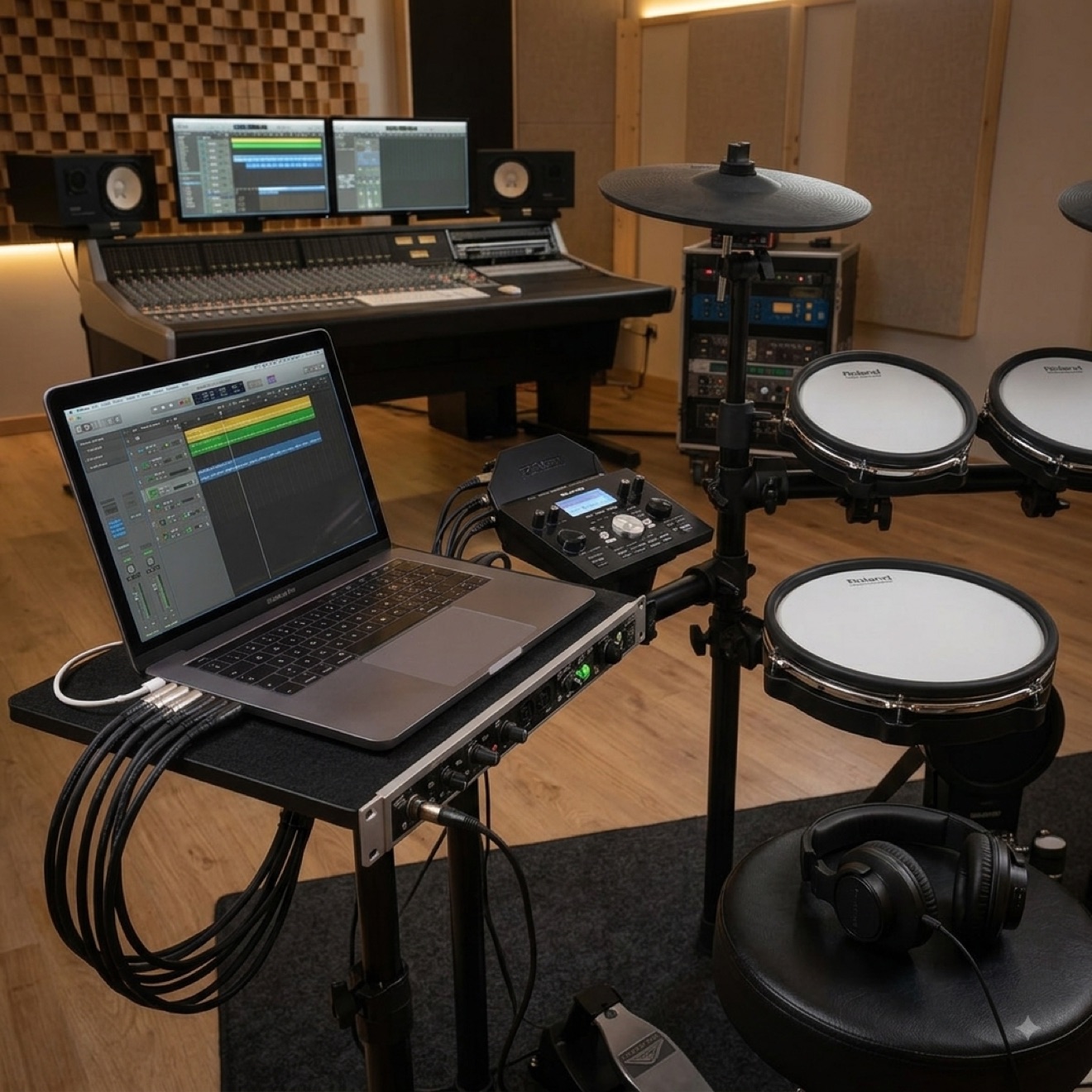
The whole process comes down to four steps and requires no extra equipment beyond a cable.
Step 1: the cable
You need an ordinary USB cable — the kind used for a printer. On the module side usually a square socket (USB-B), on the computer side USB-A or USB-C. In newer kits, including the Black Hawk Pulsemodule, the port is labelled USB-MIDI.
You need neither an audio interface nor MIDI adapters. The computer will recognise the kit as a MIDI device — on macOS straight away, on Windows usually too, without installing drivers.
Step 2: software with sounds
The module sends nothing but information about the strokes, so the sound has to be generated by software. The most popular are EZdrummer and Superior Drummer, alongside them Addictive Drums and free libraries such as MT Power Drum Kit — the last of these is a surprisingly good starting point if you first want to check whether this way of playing suits you.
You run the software either on its own or as a plug-in inside a recording environment — Reaper, Ableton Live, Logic, Cubase, FL Studio. Reaper has the gentlest licence to start with, Logic is often the simplest for people on a Mac.
Step 3: the audio driver, where everything falls apart
This is the one stage at which something usually fails to work straight away. The symptom is always the same: you strike and hear the sound with a clear delay.
The culprit is the Windows system audio driver, which is unsuitable for live playing. There are two solutions: install the free ASIO4ALL or — better — use an audio interface with its own ASIO driver. In the software settings choose that driver and reduce the buffer size until the latency stops being noticeable. Values around 128 samples are usually a good compromise between response and stability.
On macOS the problem barely exists — the system has low latency by design.
Step 4: mapping the pads
It happens that after connecting, a stroke on the tom triggers a cymbal. That is not a fault — the module and the software simply use different assignments of MIDI numbers.
Every decent drum program has a learn mode: you click an element on screen, hit the corresponding pad and it is done. It takes a quarter of an hour on first run and is saved permanently. It is worth checking rimshots, cross stick and the ride bell straight away, as these most often need manual correction.
What comes next
Once everything works, things unavailable with the module alone open up: recording parts and correcting individual strokes, playing along to a song with a synchronised metronome, building your own kits from drums out of different libraries. Many players stop using the module's sounds altogether after such a setup.
Frequently asked questions
Does the computer have to be powerful?
Not excessively. For playing with a single library any machine from the last few years with 8 GB of memory will do. Large libraries such as Superior Drummer like a fast SSD, because they stream recordings from it.
Will I hear the sound in headphones plugged into the module?
No — the sound is created in the computer, so you plug your headphones into the computer or the audio interface. In this arrangement the module acts purely as a controller.
Can I use the module's sounds and the computer's at the same time?
Yes. It is enough to connect the module's line output to the audio interface and mix both sources. That comes in handy when you like the kick from the module and the snare from the software.
Can the kit be connected to a tablet or a phone?
Yes, through a USB adapter. On an iPad it works very well and there are drum apps prepared for such use — a convenient solution if you don't want to stand a laptop next to the kit.
I'm recording and hear two sounds at once. Why?
Because the module and the software are playing simultaneously. Mute the sounds in the module or turn its volume to zero — it sends the MIDI signal regardless of whether it plays a sound itself.
Working with a computer depends on whether the module has USB-MIDI and an audio output. We give these details with all the electronic drum kits in our shop.
This article was originally written in Polish and translated with the help of automated tools. If anything is unclear, please contact us.